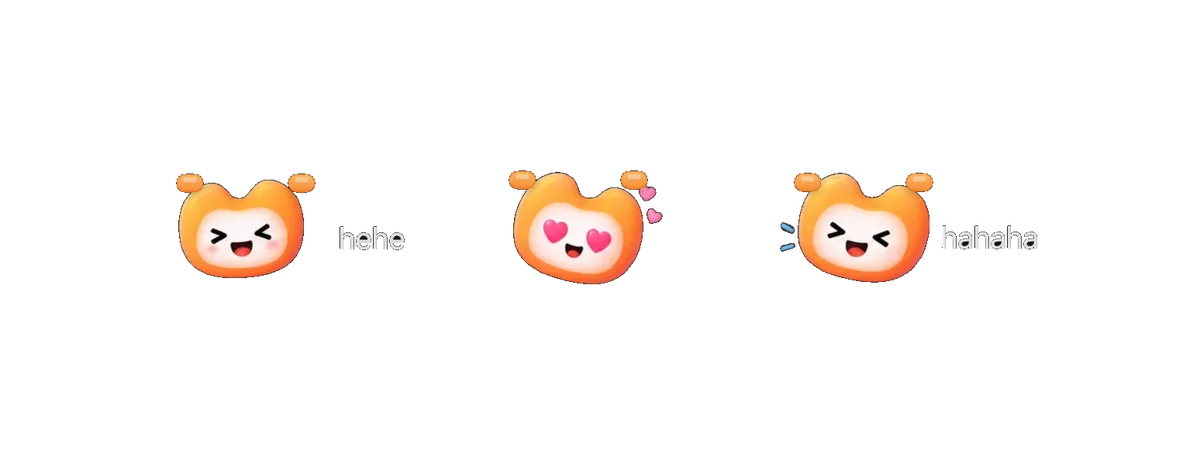
01Meet Memo
Meet Memo. She lives in your notch.
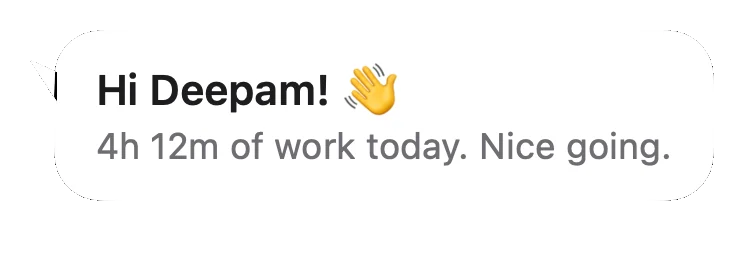
A tiny friend who waves hello, cheers you on, and giggles when you tickle her.
- Waves hello every hour
- Reacts to your day
- All day, only with news, or off
NotchMemo is a Mac notch app that turns the notch into your whole day. Talk to it, glance at it, paste from it. And Memo, a tiny friend who lives there, keeps you company.
Version 1.0.0 · Apple silicon · macOS 14 or later
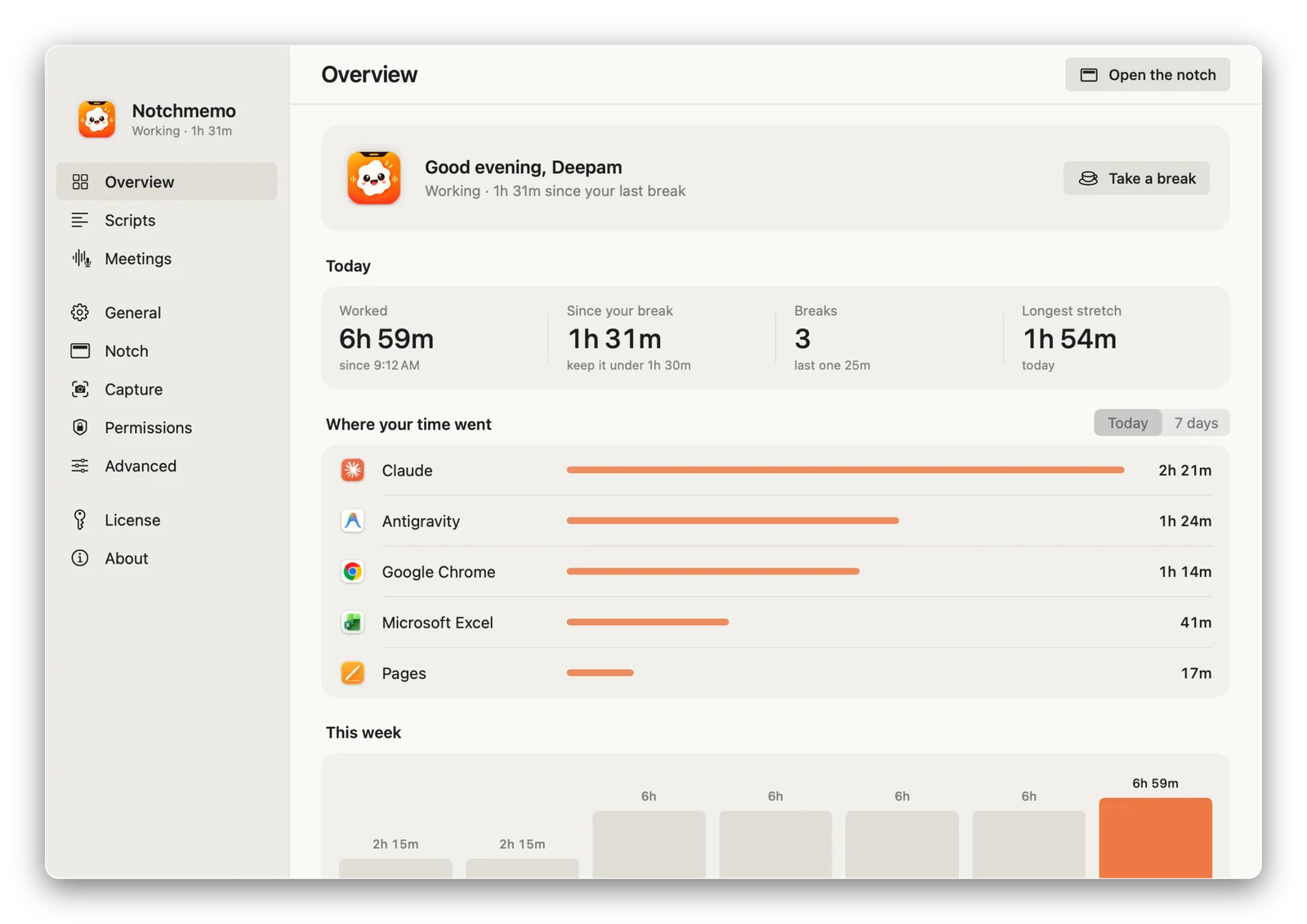
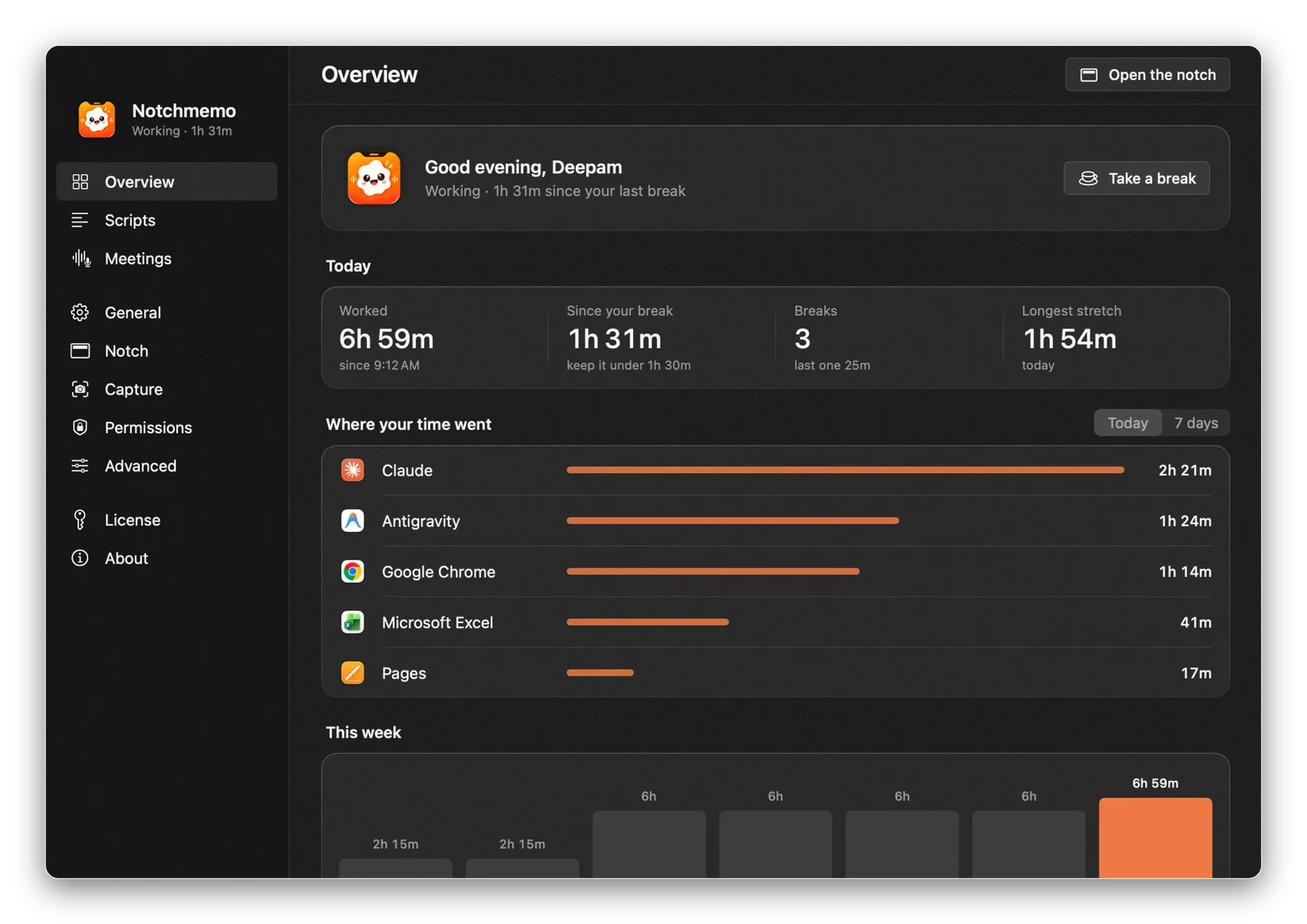
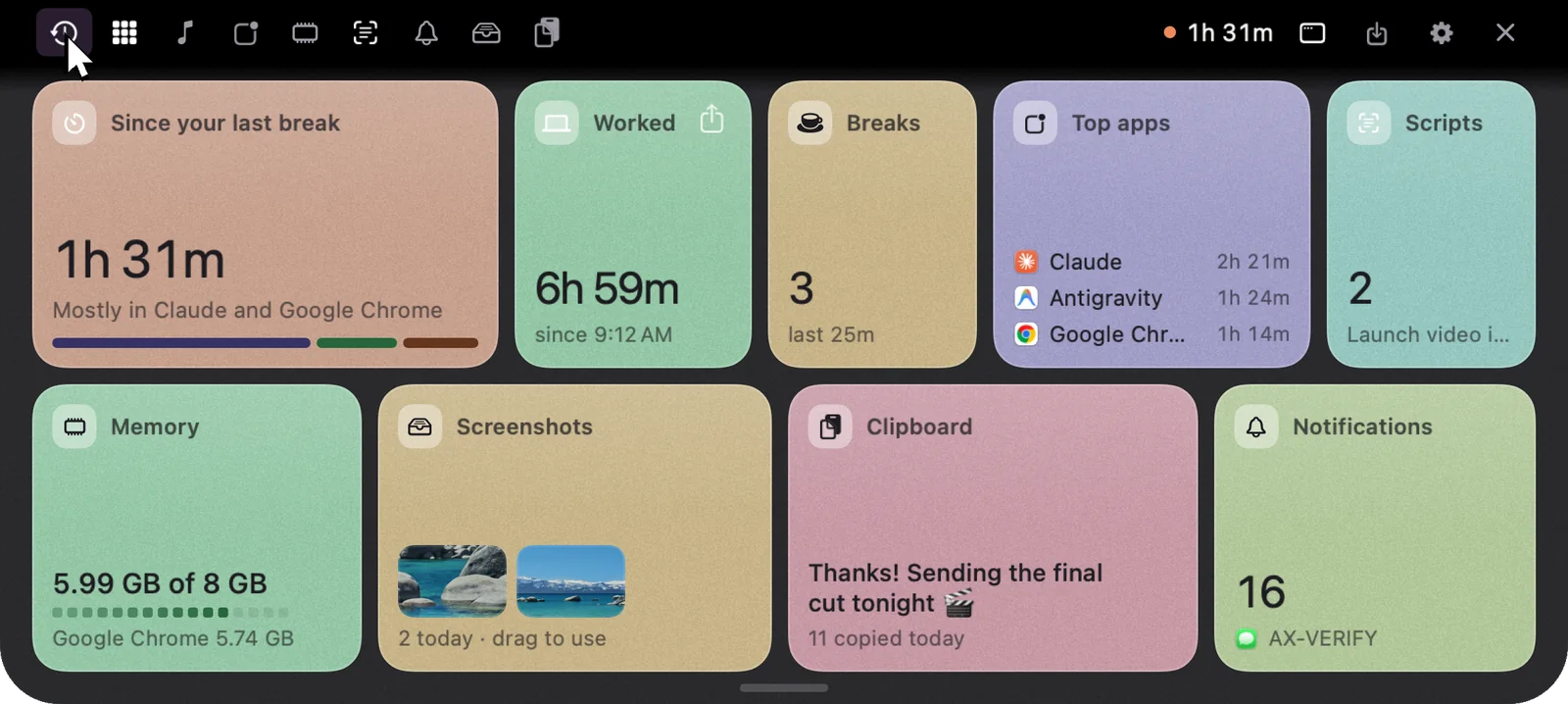
Since your last break, top apps, screenshots and clipboard, all in one click.
Voice
Ask anything, get a message ready, or dictate into any app. Your words appear as you speak, right in the notch.
Listening…
release to ask
fnhold· just talk
Ask
“What’s 18% GST on 2,500?”
Sums, timers, your day, or anything you’re curious about.
Act
“Message Rahul on WhatsApp…”
Messages, emails, apps and music. You always press Send.
Dictate
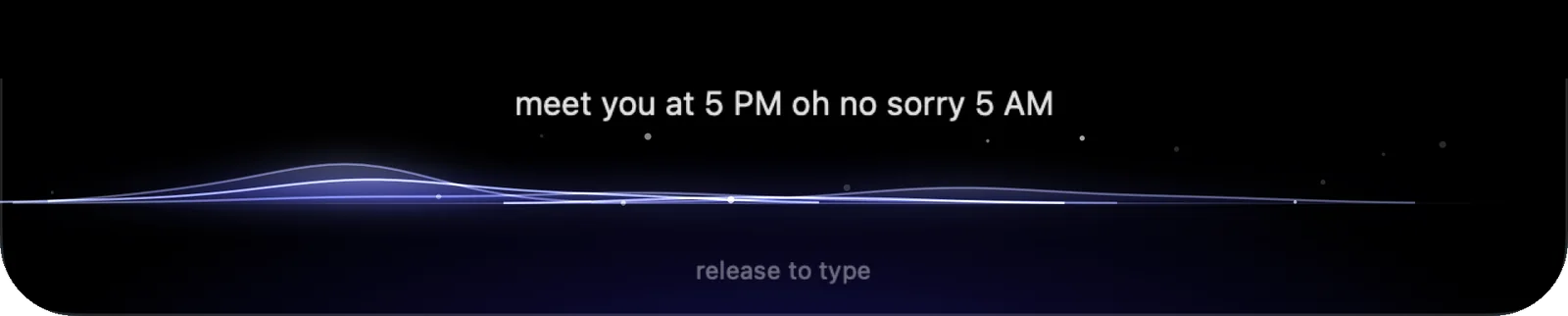
“Meet you at 5 PM, oh no sorry, 5 AM”
Hold fn in any text box. It types what you meant: “Meet you at 5 AM.”
Features
Talk to it, glance at it, paste from it. It tucks away when you’re done, and every screen below is the real app.
01Meet Memo
A tiny friend who waves hello, cheers you on, and giggles when you tickle her.

02Talk to your Mac
Real answers, right in your notch. GST, sums, timers, your day, or anything you’re curious about.

03Voice actions
Messages, emails, apps, music. Just say it, and NotchMemo gets it ready. You always press Send.
04Dictation
Say it the way you’d say it. NotchMemo fixes the “oh no, sorry” and types the clean version in any app.
Kal 10 baje meeting hai, please confirm karo
Hinglish · Devanagari
05Hinglish
Mix Hindi and English the way you actually speak. NotchMemo understands the whole sentence and types it just right, in Roman letters or Devanagari.
06Meeting notes
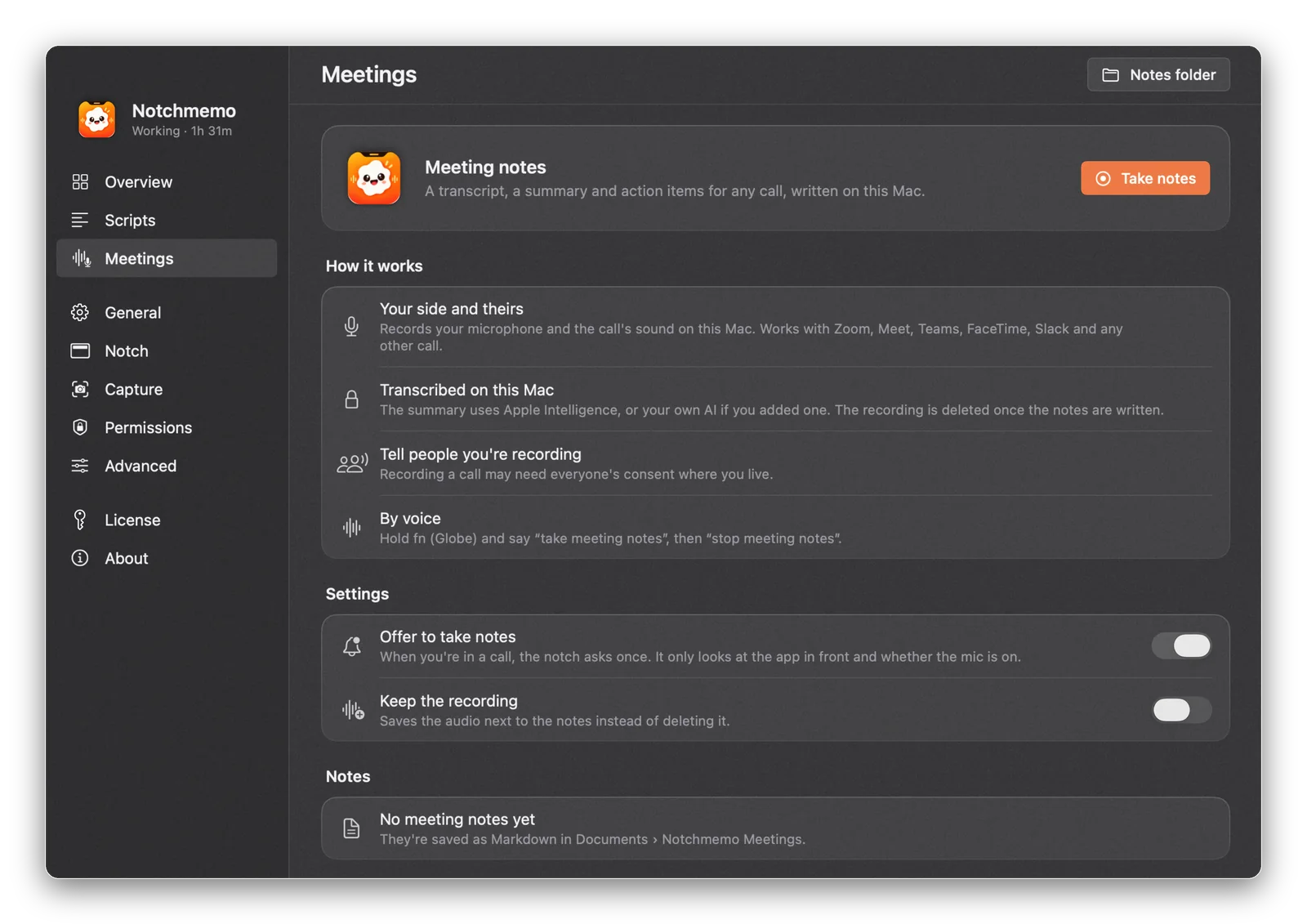
A transcript, summary and action items for every call, made on your Mac. Zoom, Google Meet, Teams, FaceTime, Slack: any call.
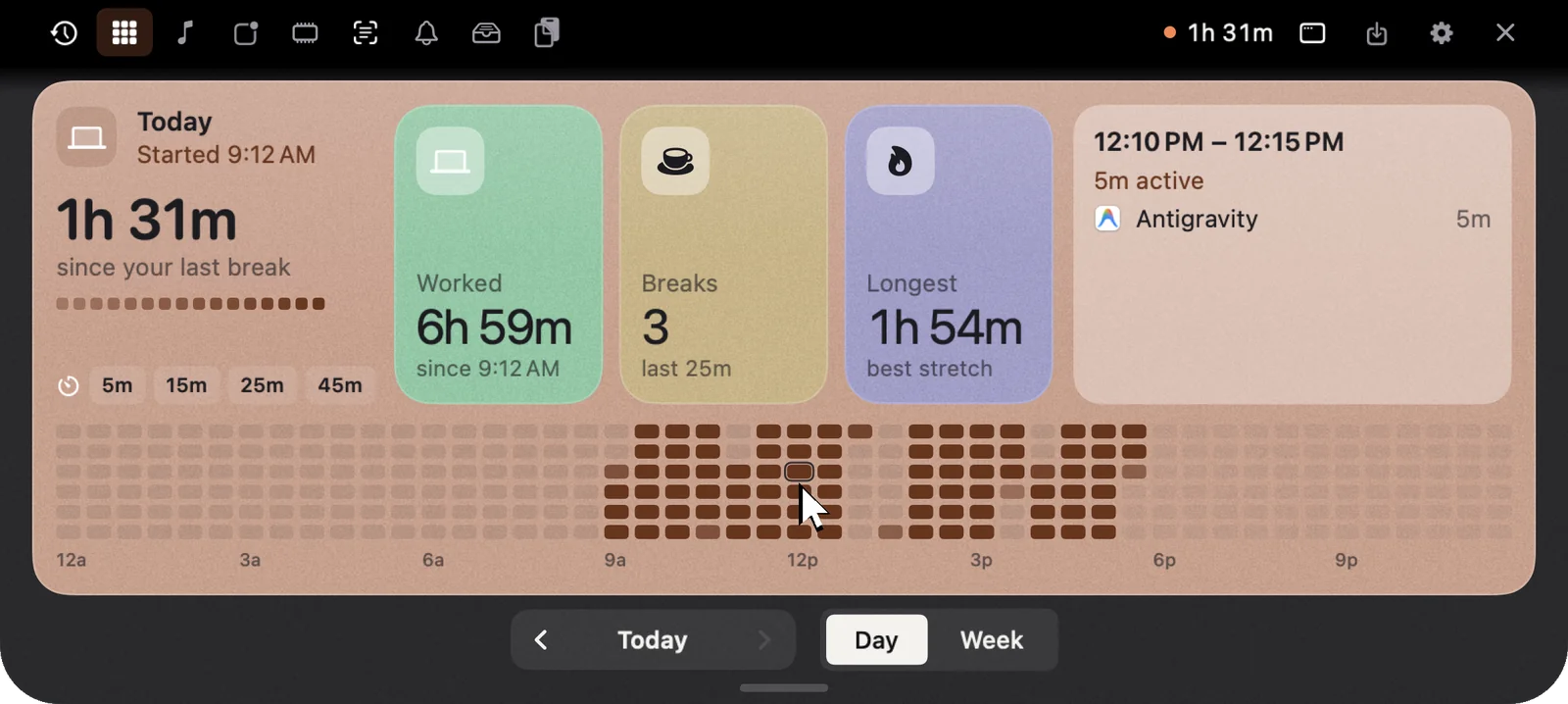
07Your day
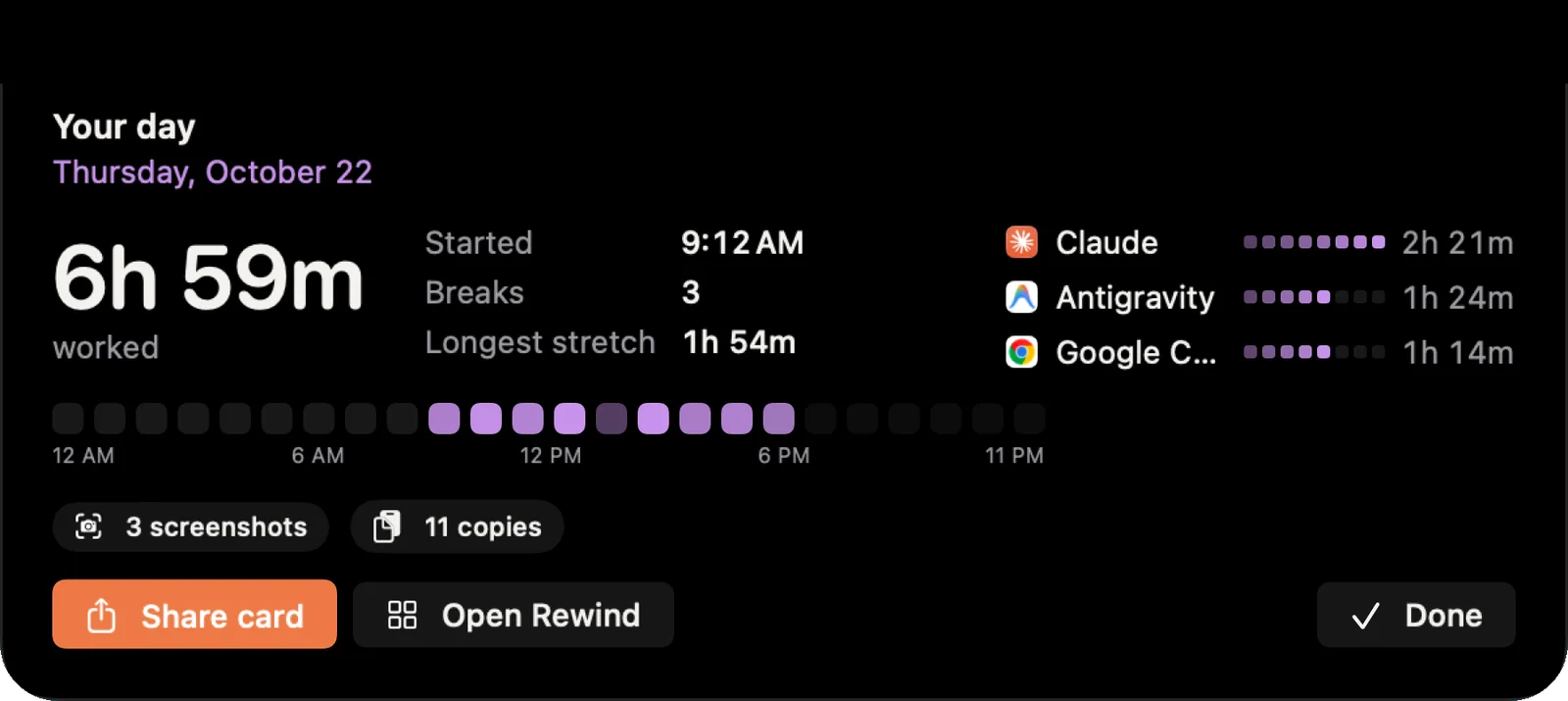
Every dot is five minutes of your day. Step back to yesterday, or see the whole week.
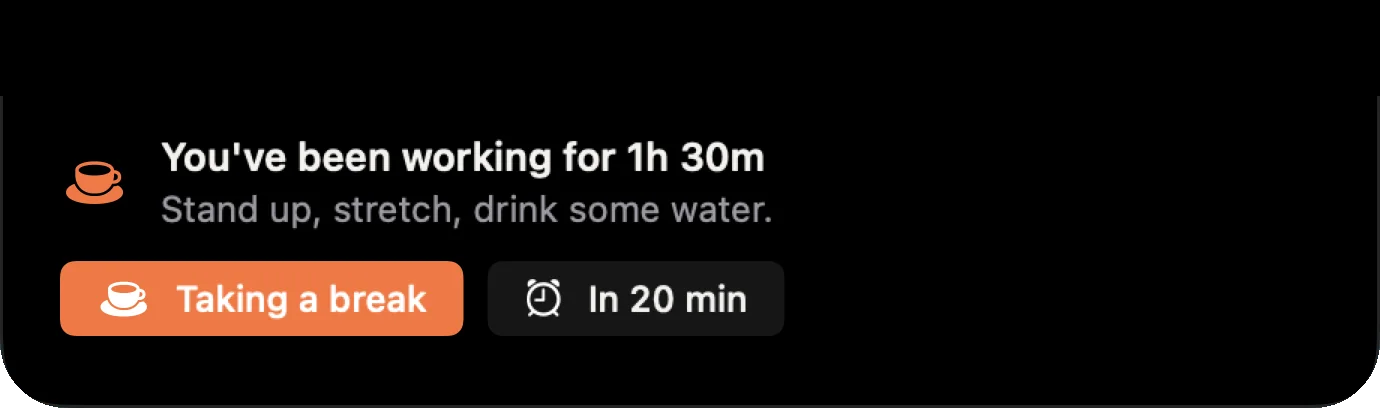
08Breaks and focus
It counts real work. Step away and it pauses. No dumb timers, just a nudge after a real stretch.
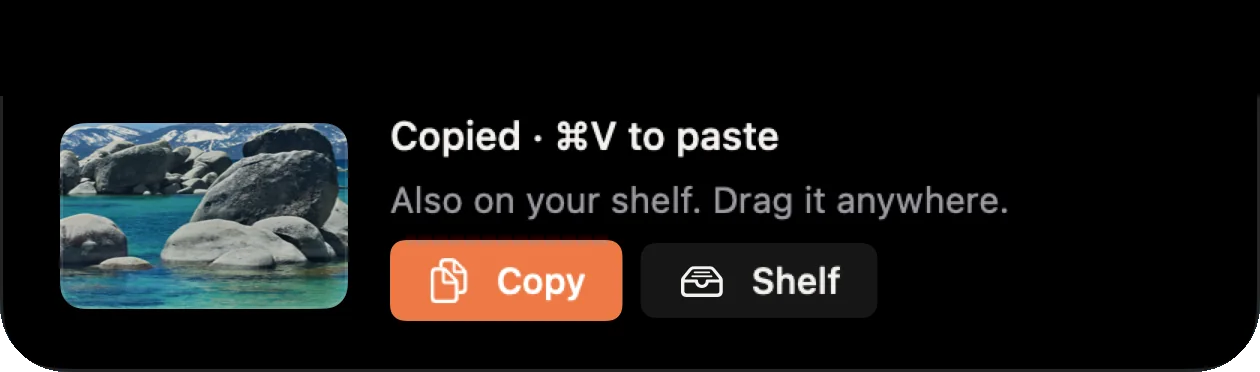
09Screenshots and Shelf
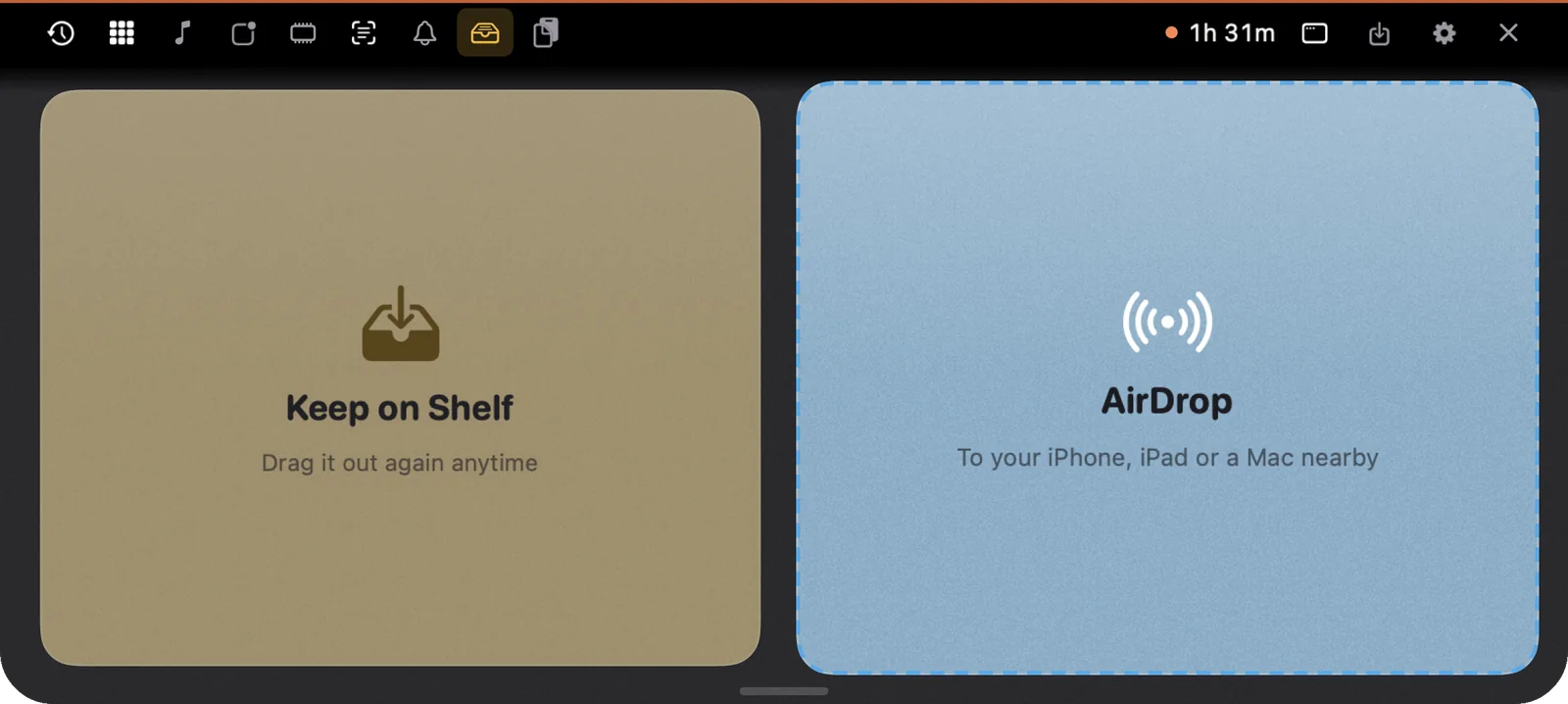
Take a screenshot and it lands in your notch, already on your clipboard. Paste it, or drag it anywhere.
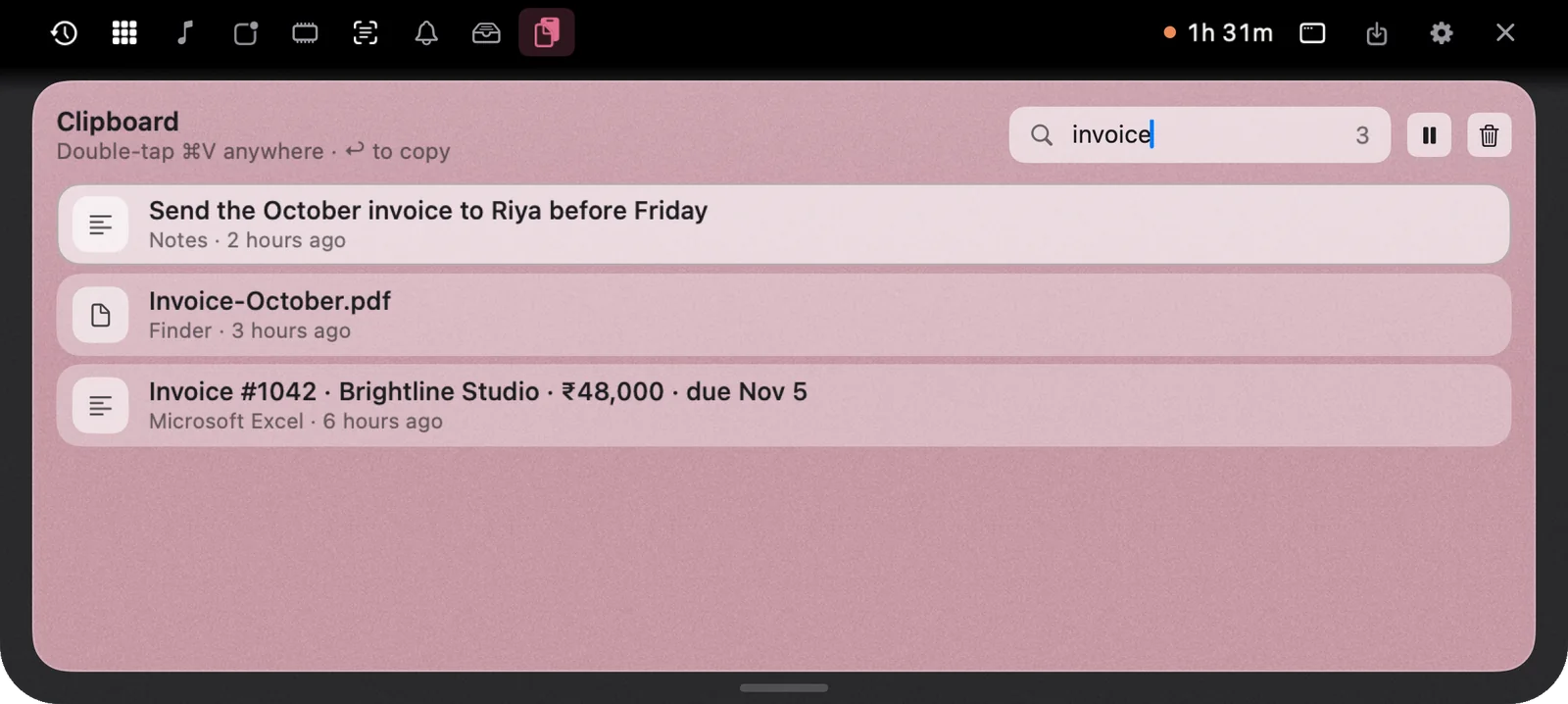
10Clipboard
Search everything you’ve copied and paste it back in a second. Text, links and images, each with where it came from.
Small utilities you’d otherwise buy one by one, in the one spot of your screen that did nothing.
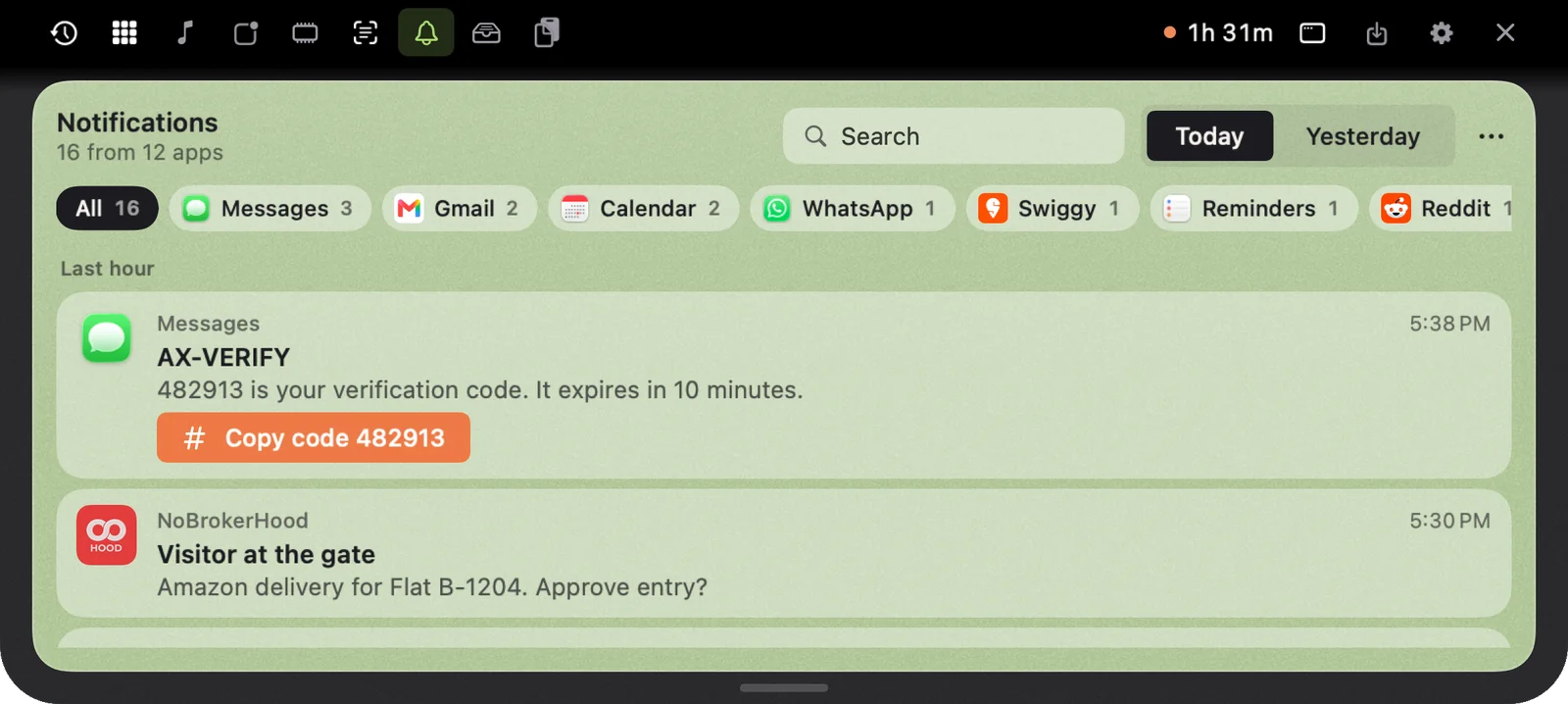
Every notification you saw, searchable. Even the OTP after the banner vanished. Exclude any app you like.
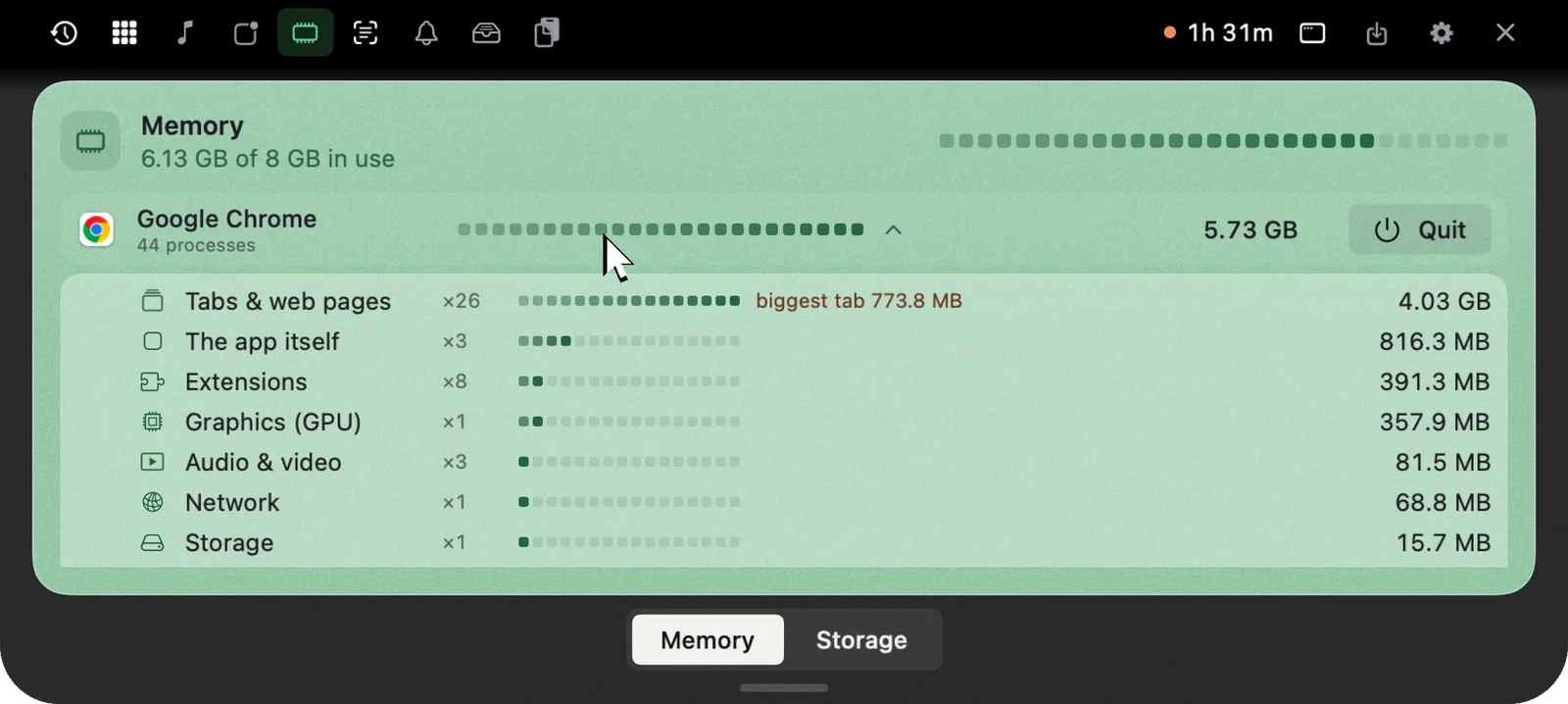
Memory by app, down to background processes. Quit or force quit straight from the notch, and see what’s filling your disk.
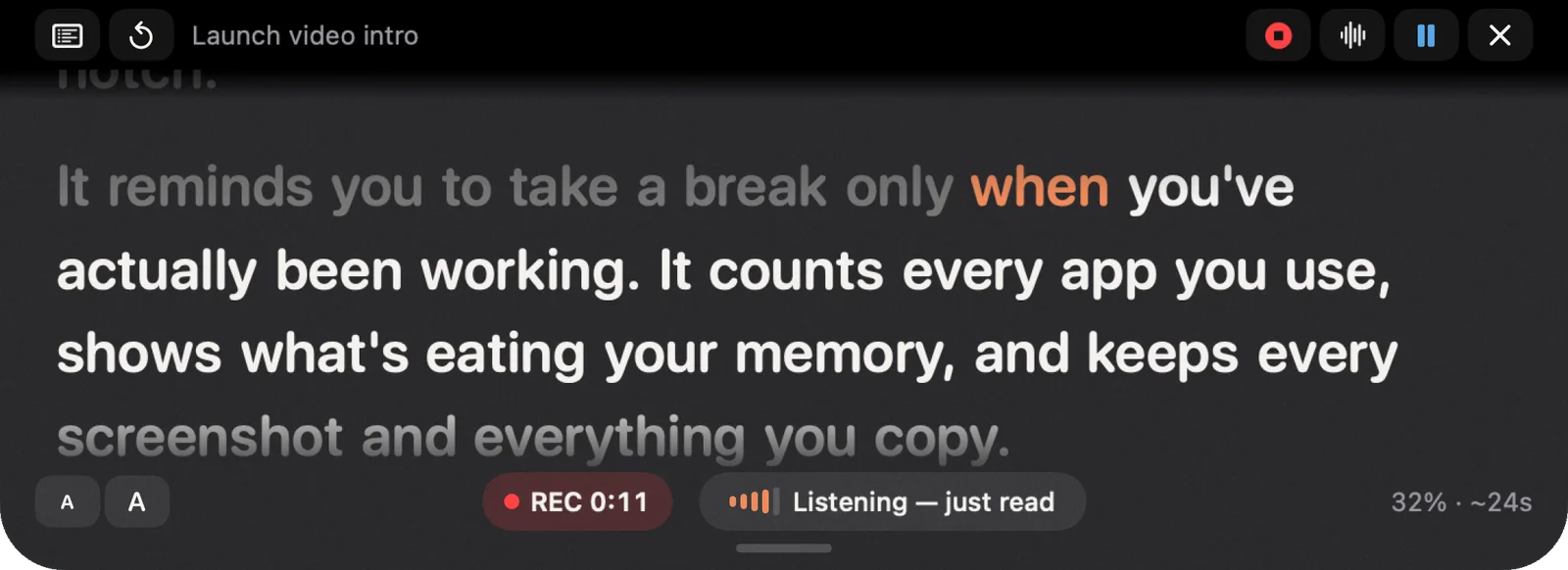
Read right under your camera. It scrolls as you speak, records a voice note and stays out of screen recordings.
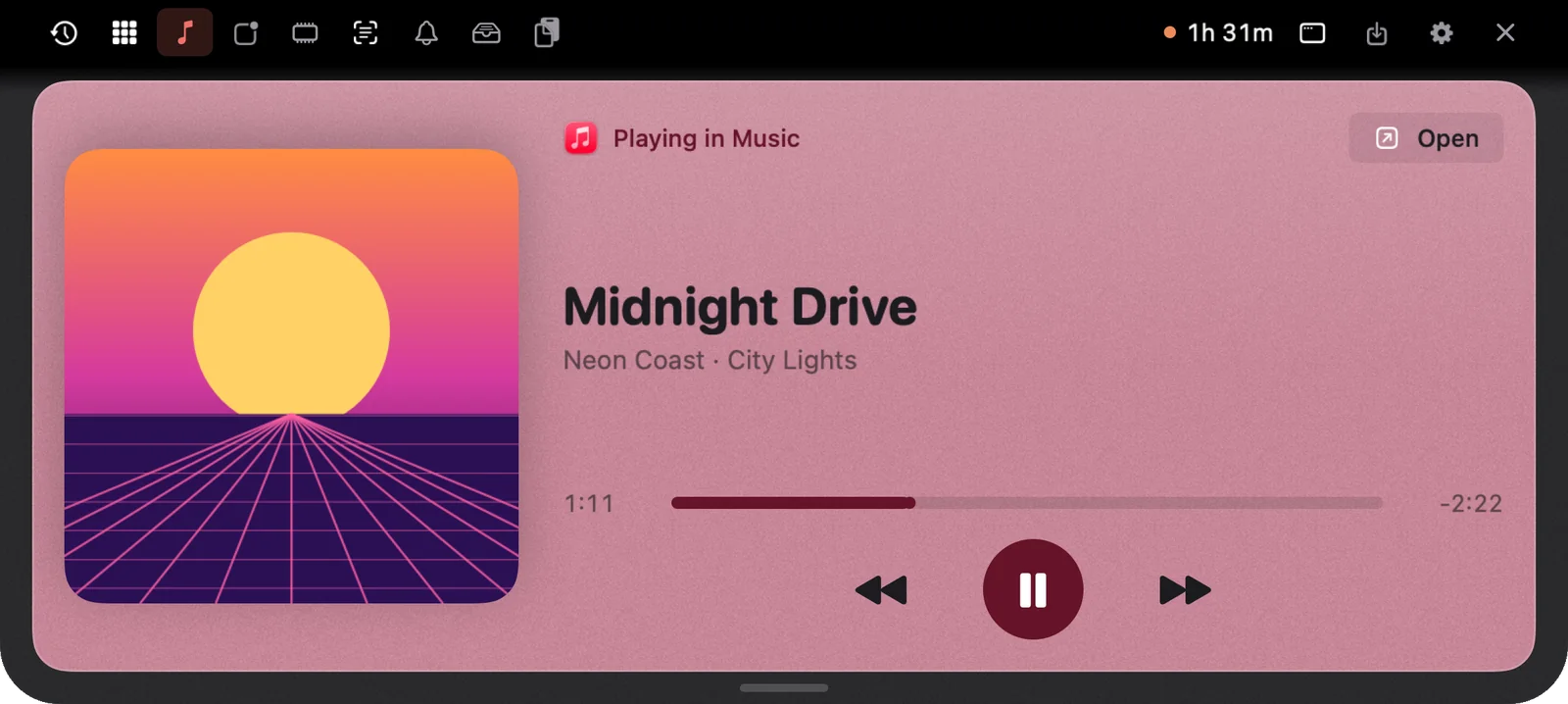
See and control what’s playing from any app, with artwork and little dancing bars beside the closed notch.
Drag any file onto the notch to keep it on the Shelf, or AirDrop it to your iPhone, iPad or a Mac nearby. AirDrop all in one click.
A recap card every evening, a share image of your day, and your whole history in Excel whenever you want it.
Frosted glass with a fine grain, or light and quiet. The notch follows your accent.
Apple Intelligence out of the box, or connect your own key. It stays on your Mac.
Privacy
Offline by default. Your history, clipboard, screenshots and notes live in a local database on your Mac. No account, and no analytics in the app.
Activity, clipboard, screenshots, notifications and moods are never uploaded.
Speech is recognised on your Mac by Apple. Audio and dictation are never sent.
Connect your own AI or turn on weather. Only the question or the city name leaves your Mac.
Messages and emails open as drafts. You check them and press Send.
How it works
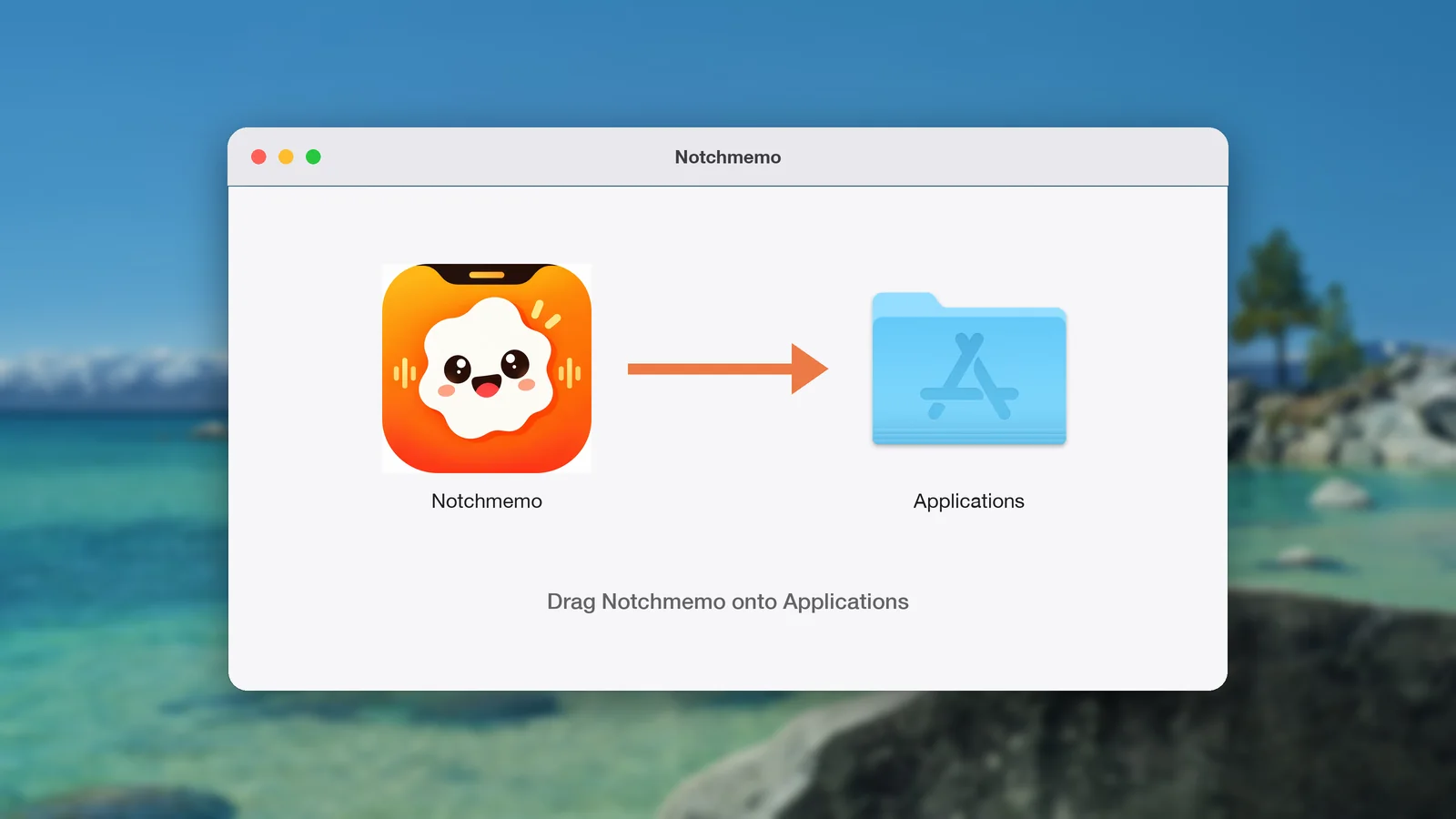
Drag NotchMemo to Applications. No account to create.
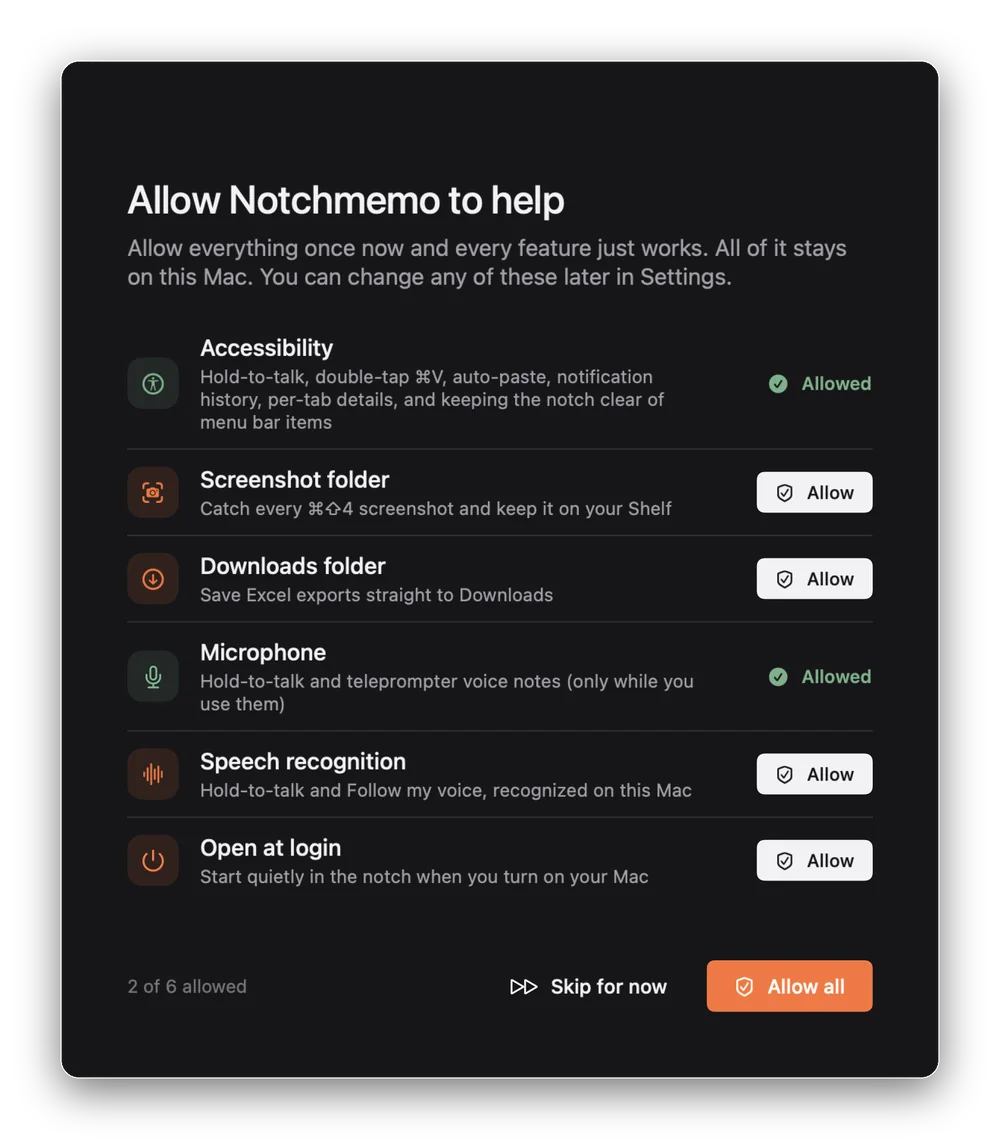
Each permission is asked once and explained in the app.
Ask, dictate, or glance at your day, right at the top of the screen.
That’s it — no sign-up, no account, no analytics in the app.
Read the full guidePricing
One-time purchase, no subscription.
Hi! I live in your notch 👋
I wave hello every hour, cheer you on when you’ve worked hard, and nudge you when a break is earned.
Hold fn and ask me anything. Copy it, screenshot it, and I keep it all right here.
Everything stays on your Mac.
Give me a try.
Halloween sale ends inEnds Oct 31
Your whole day in the notch, on your Mac.
7-day money-back guarantee

macOS 14 or later. Any Mac, notch or not.
FAQ
The short version: it works offline by default, keeps everything on your Mac, and never sends anything for you.
Still have a question?
We’re happy to help.
NotchMemo is a Mac notch app. It turns the black cutout at the top of your MacBook screen into a small home for your day: hold fn to ask or dictate, see where your time went, and find every screenshot, copy and notification. It runs on macOS 14 Sonoma or later.
Apple added the notch to the 14-inch and 16-inch MacBook Pro in 2021, and to the MacBook Air starting with the M2 model in 2022. Every MacBook since then has one.
In spirit, yes. Apple’s Dynamic Island, introduced on the iPhone 14 Pro in 2022, turns the camera cutout into a live space for timers and alerts. NotchMemo does the same for the Mac notch: answers, timers and your day appear right below it, then tuck away.
No. Everything works offline. It only goes online if you connect your own AI or turn on weather.
No. It’s stored on your Mac in a local database. The app has no account and no analytics. This website counts visits with cookieless DataFast analytics; the Privacy Policy explains what it collects.
No. Without it you still get dictation, voice actions, quick answers and everything else. For open questions, connect your own AI.
Claude, ChatGPT, Gemini, Sarvam AI, OpenRouter, or a local model such as Ollama or LM Studio. Your key stays on your Mac, and only your question is sent to the service you chose.
Never. WhatsApp messages and emails open as drafts; you check them and press Send.
Yes. NotchMemo records your side and theirs, transcribes the call on your Mac, and writes a summary with action items, saved as Markdown in Documents › NotchMemo Meetings. It works with Zoom, Google Meet, Teams, FaceTime, Slack and any other call. The recording is deleted afterwards unless you keep it.
Yes. Pick fn (Globe), Right Command, Right Option or Control, and choose how long to hold it, from half a second to 3 seconds.
Hinglish mode understands Hindi and English mixed in one sentence and types it in Roman letters or Devanagari. It uses Sarvam AI with your own key, so while it’s on, what you say is sent to Sarvam. Otherwise speech never leaves your Mac.
Yes. Choose all day under the notch, only when there’s news, or off.
Yes. On Macs without a notch it sits at the top centre of the screen. It needs macOS 14 Sonoma or later.
No. It does very little in the background; live data refreshes only while the notch is open.
No. NotchMemo is a one-time purchase. Pay once and keep it, with no recurring charges.
One Mac at a time. If you replace your Mac, you can move NotchMemo to the new one — just remove it from the old Mac.
Yes. Full refund within 7 days of purchase. Reply to your Dodo Payments receipt or contact Support. The Refund Policy has the details.
Quit it (About › Quit) and drag it from Applications to the Bin. Your data is in Application Support › NotchMemo if you want that gone too.