You set a break timer. Twenty-five minutes later it goes off right in the middle of your best idea of the day. You hit snooze. Then you ignore it. Then you turn it off. Sound familiar? Here’s the good news: the idea behind the timer is right. Only the timing is off.
Short breaks really do help
This isn’t just a feeling. A 2022 review and meta-analysis published in PLOS ONE (Albulescu and colleagues) pooled the research on micro-breaks, meaning breaks of ten minutes or less. It found they raised people’s energy and lowered fatigue. The effect on performance depended on the task, but the well-being boost was clear.
Your eyes need breaks too. The American Academy of Ophthalmology suggests the 20-20-20 rule for screen work: every 20 minutes, look at something about 20 feet (6 metres) away for 20 seconds.
Why break timers get ignored
The classic method is the Pomodoro Technique, created by Francesco Cirillo in the late 1980s: 25 minutes of work, then a short break. It’s a great habit for some people. But a fixed timer has two problems:
- It interrupts deep work. The timer doesn’t know you just got into flow.
- It nags when you’re already resting. Step away for lunch and it still counts.
When a reminder is wrong often enough, you learn to tune it out. And then it can’t help you at all.
A better idea: breaks you’ve earned
Here’s the simple fix. Instead of counting minutes on a clock, count minutes of real work. If you step away, the count pauses. When you come back, it picks up again. A nudge only arrives after a genuine stretch at your desk.
That small change makes reminders feel fair. They show up when you actually need them, so you’re far more likely to take them.
How NotchMemo handles breaks
This is how breaks work in NotchMemo. It notices real activity on your Mac, so it knows the difference between working and being away.
- You choose how long a stretch of work earns a break.
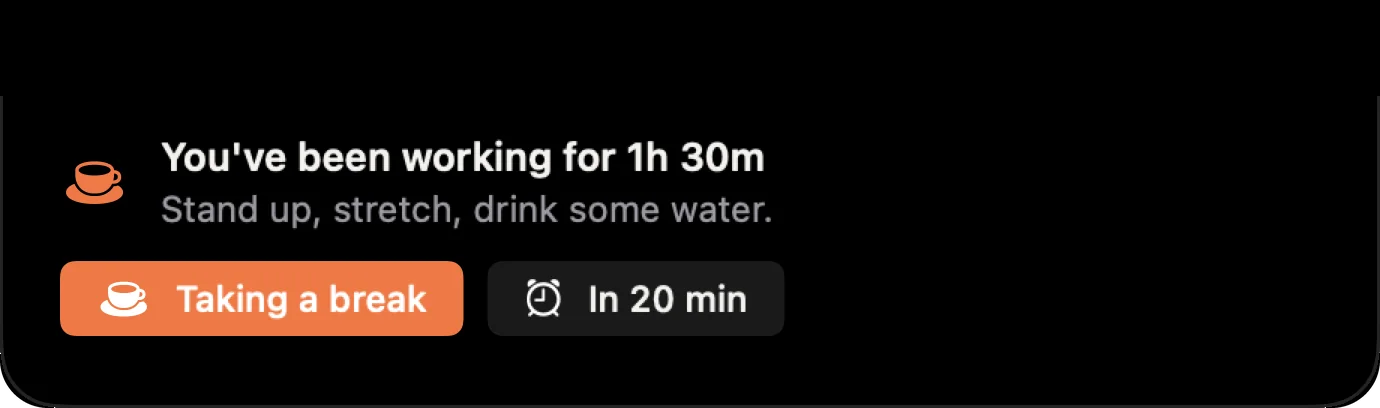
- The nudge appears in the notch: “You’ve been working for 1h 30m. Stand up, stretch, drink some water.”
- Quick timers (5, 15, 25 or 45 minutes) sit beside the notch when you want one.
- An evening recap shows your worked time, breaks and longest stretch.
Make your next break count
A break doesn’t need to be long to help. Try one of these:
- Stand up and stretch your back and shoulders.
- Look out of a window for 20 seconds.
- Refill your water glass.
- Walk to the end of the hallway and back.
Small, regular breaks add up to a calmer, sharper day. If you want reminders that respect your focus, our setup guide gets NotchMemo running in about five minutes.