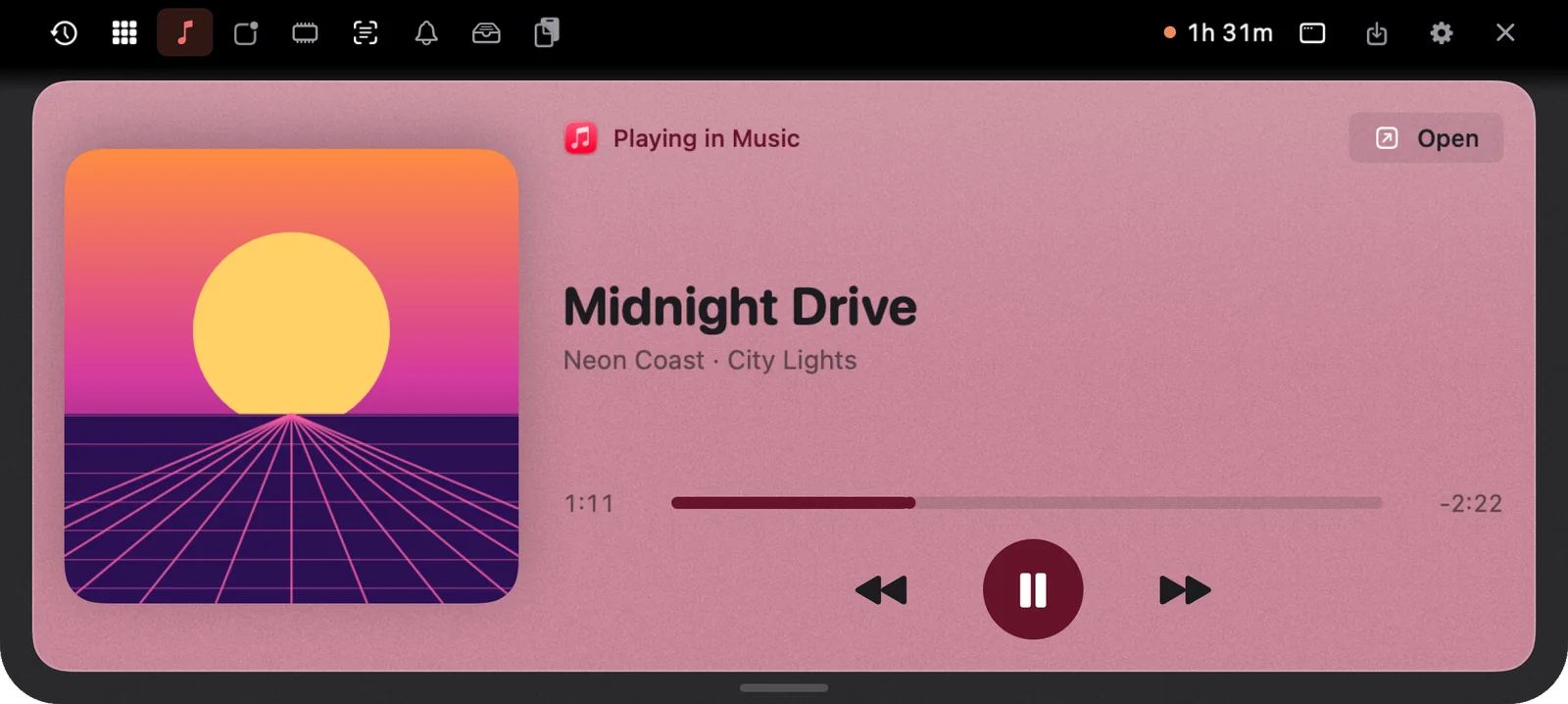
A song comes on that you don’t want, and you go hunting for it. Which tab is it in? Is it Spotify, or the YouTube video you left open an hour ago? Here’s how to control your music from the Mac notch, with artwork and buttons that show up for whatever app happens to be playing.
Why music controls on a Mac feel scattered
The Mac has media keys on the keyboard and a Now Playing tile in Control Centre. They work, but they’re out of the way, and when music comes from a browser tab the controls don’t always follow. You end up switching windows to press pause.
The notch is already at the top of your screen, in your eyeline, doing nothing. It’s a natural home for the one thing you glance at and tap all day.
How NotchMemo does it
NotchMemo puts what’s playing right in the notch, from any app.
- Any player. Apple Music, Spotify, YouTube in the browser and other players.
- Everything you need to see. Artwork, title, artist and a progress bar.
- The three buttons that matter. Play/pause, back and next, right under the notch.
- New songs announce themselves. When a track changes, it pops out of the notch for a moment, then tucks away.
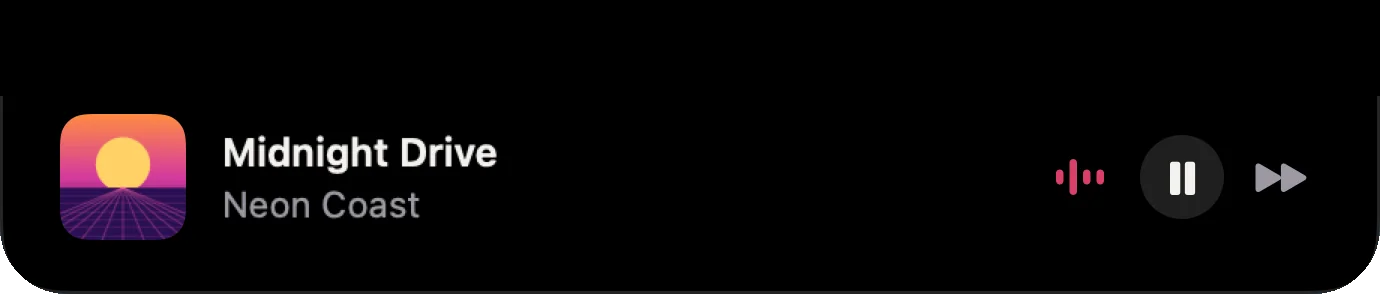
- A live hint while it’s closed. While music plays, the artwork and little dancing bars sit beside the closed notch.

Finding it, and turning it off
Open the notch and go to the Music tab. That’s where the artwork, the progress bar and the controls live. If you’d rather the notch stayed quiet about music, switch it off in Settings › Notch › Updates › Music. The same Updates settings cover volume and the evening recap, so you decide which small updates the notch shows and which it keeps to itself.
Or just ask for a song
You don’t have to open anything. Hold fn and say “Play lofi on YouTube” and NotchMemo plays the first result. For a few seconds afterwards, follow-ups work: “play the second one”, “pause”, “next”. Spotify and Apple Music work the same way. Our features guide lists everything else you can say.
Quiet in the background
Showing your music doesn’t cost you anything. NotchMemo does very little in the background, and live numbers refresh only while the notch is open. There’s no account and no analytics in the app either.
Put a song on, close the notch, and watch the little bars dance beside it. When the next track starts, it will tell you.