Three steps
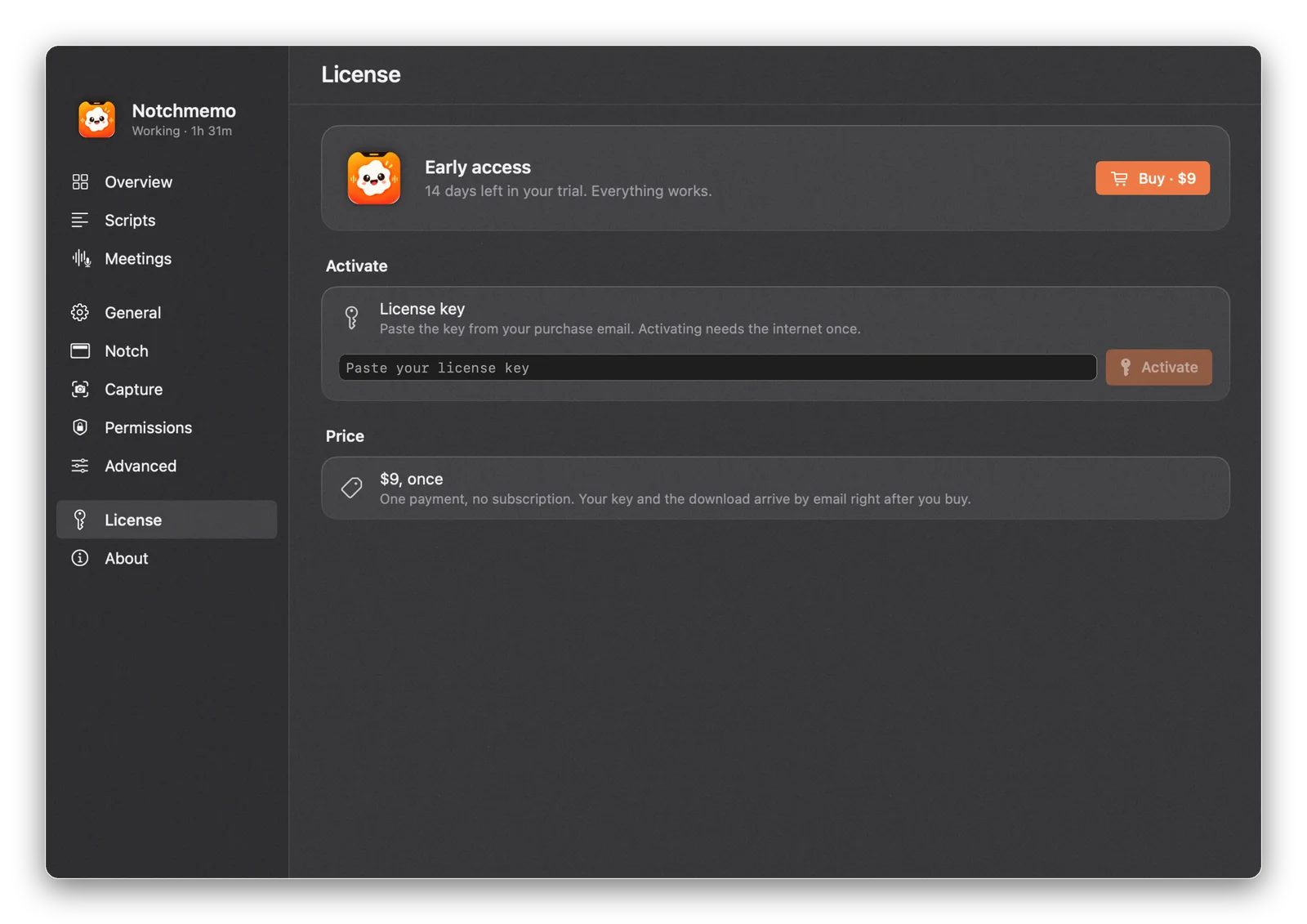
- Open the License page. Click the notch › gear (or the menu bar item) › License in the sidebar.
- Paste your key. Copy the license key from your purchase email and paste it into Paste your license key. Spaces or line breaks from the email are fine.
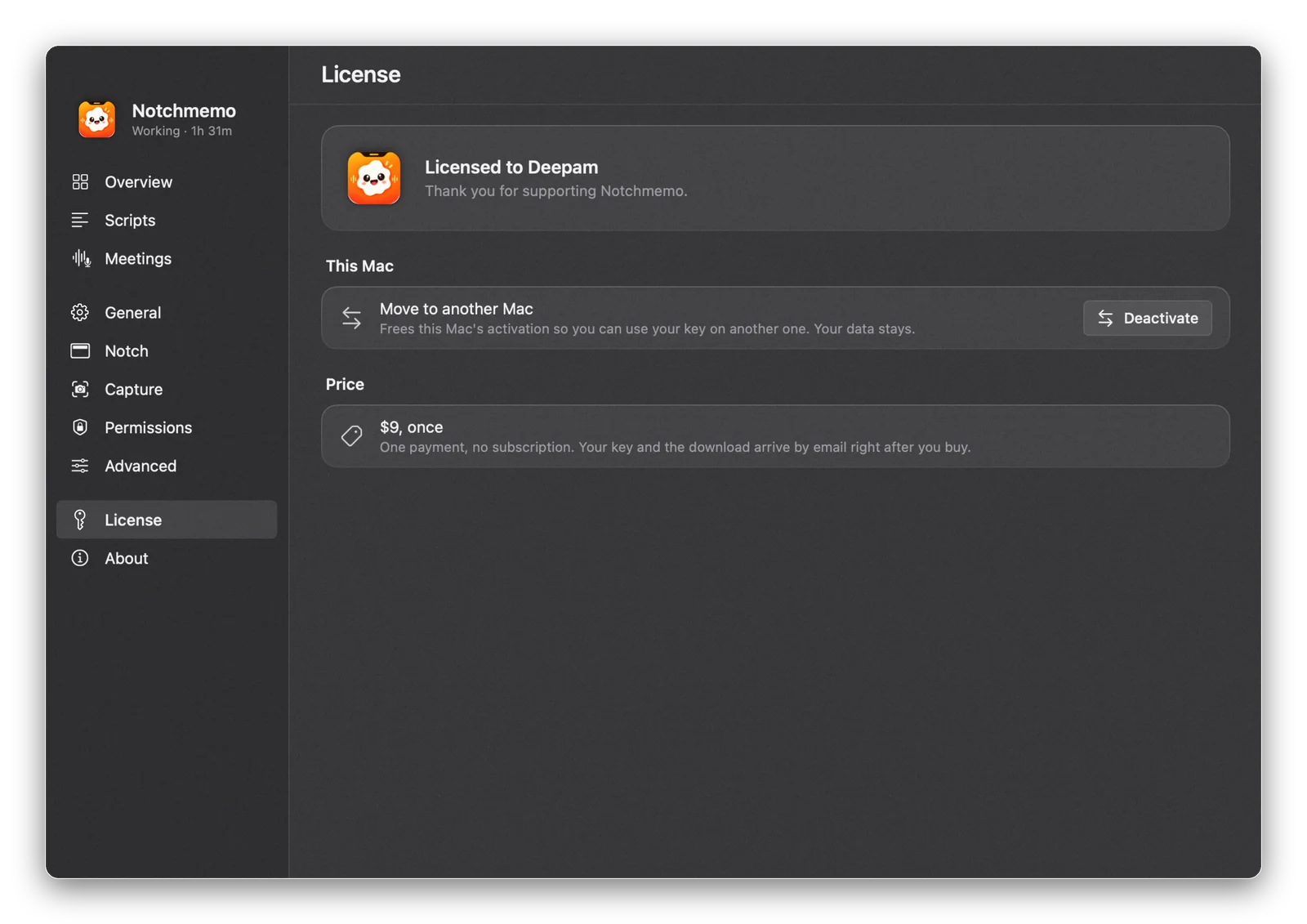
- Press Activate. A moment later the page says Licensed to your name, with the email you bought with. That’s it.
Even quicker
- Buy from inside the app (License › Buy): after paying, the browser hands you back to NotchMemo and it activates itself.
- Got a .daywiselicense file? Double-click it.
Good to know
- Offline. After activation it works offline. About once a week it quietly re-checks the key when online; if it can’t reach the server, your license simply stays.
- New Mac. License › Move to another Mac › Deactivate frees this Mac’s activation. Then activate on the new Mac with the same key. Your data stays where it is. One license covers one Mac. Replacing your Mac? Move it to the new one.
- Your data. Activating or deactivating never deletes or hides anything.
- Refunds. A refunded key stops counting at the next weekly check. The refund policy has the details.
If activation fails
| Message | What to do |
|---|---|
| This license key wasn’t found. | Copy it again from the purchase email, the whole key. |
| …already in use on the most Macs it allows. | Deactivate it on your other Mac first (License › Move to another Mac), or contact support. |
| This license key isn’t active. | It may have been refunded. Contact support if that’s a mistake. |
| Couldn’t reach the license server. | Check your internet connection and try again. |
| This key is for a different product. | Use the NotchMemo key from your NotchMemo email. |
Still stuck? Write to support@notchmemo.com with the message you see.
More in the guide
- Install and first launchBuy or try, drag to Applications, say hello, allow once.
- PermissionsWhat each one unlocks, what macOS shows, how to fix it later.
- Every featureAll twenty tools, what each does and where to find it.
- Shortcuts and things to sayThe keys, and what to ask for while you hold fn.
- TroubleshootingIf something doesn’t work, the fix is probably here.