Keys
| Do this | Press |
|---|---|
| Talk, ask, dictate | Hold fn (or Right ⌘, Right ⌥, ⌃), speak, release |
| Cancel talking | Press any other key while holding |
| Clipboard history | Double-tap ⌘V (or ⇧⌘V, ⌥⌘V, ⌃⌥V); type to search, ↩ to paste |
| Screenshot to the Shelf | ⌘⇧4 (area) or ⌘⇧3 (screen); paste with ⌘V |
| Open the notch | Click it, or point at it with Open on hover on |
| Close the notch | Esc or click anywhere else |
| Teleprompter | Space pause / resume · arrows to move · Esc to stop |
Change the talk key and how long to hold it (half a second to 3 seconds) in Settings › Notch › Talk to NotchMemo. Pick the clipboard shortcut in Settings › Capture › Clipboard.
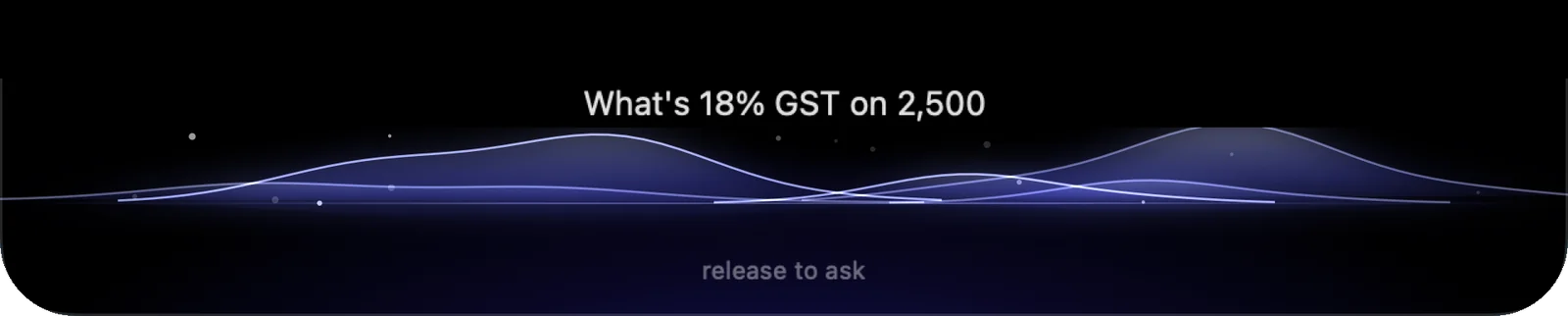
Things to say (hold fn)
| Kind | Try saying |
|---|---|
| Quick answers | “What time is it in London?” · “What’s 18% GST on 2,500?” · “15% of 3,400” · “Set a timer for 25 minutes” |
| Your day | “How long have I worked today?” · “How many breaks did I take?” · “What’s my screen time?” |
| Questions | “Explain blockchain in simple words” · “What’s the weather in Delhi? (Online lookups on)” |
| Apps | “Open Spotify” · “Close Calculator” · “Open Notes and play some jazz” |
| Web | “Search best laptops in Chrome” · “Close the Gmail tab” |
| Music | “Play lofi on YouTube” · “Play the second one” · “Pause” · “Next” · “Play Arijit Singh on Spotify” |
| Messages | “Message Rahul on WhatsApp saying I’ll be 10 minutes late” · “Change it to say good morning” · “Cancel it” |
| “Draft an email to Priya about tomorrow’s meeting” · “Make it more formal” | |
| Selected text | “Fix the grammar” · “Make this more polite” · “Translate this to Hindi” |
| Meetings | “Take meeting notes” · “Stop meeting notes” |
Follow-ups work for a few seconds after an action (“play the second one”). Messages and emails open as drafts: you always press Send. Commands and questions are understood in English; with Hinglish on, dictation can mix Hindi and English.

More in the guide
- Install and first launchBuy or try, drag to Applications, say hello, allow once.
- PermissionsWhat each one unlocks, what macOS shows, how to fix it later.
- LicenseActivate in ten seconds, move to another Mac, error messages.
- Every featureAll twenty tools, what each does and where to find it.
- TroubleshootingIf something doesn’t work, the fix is probably here.